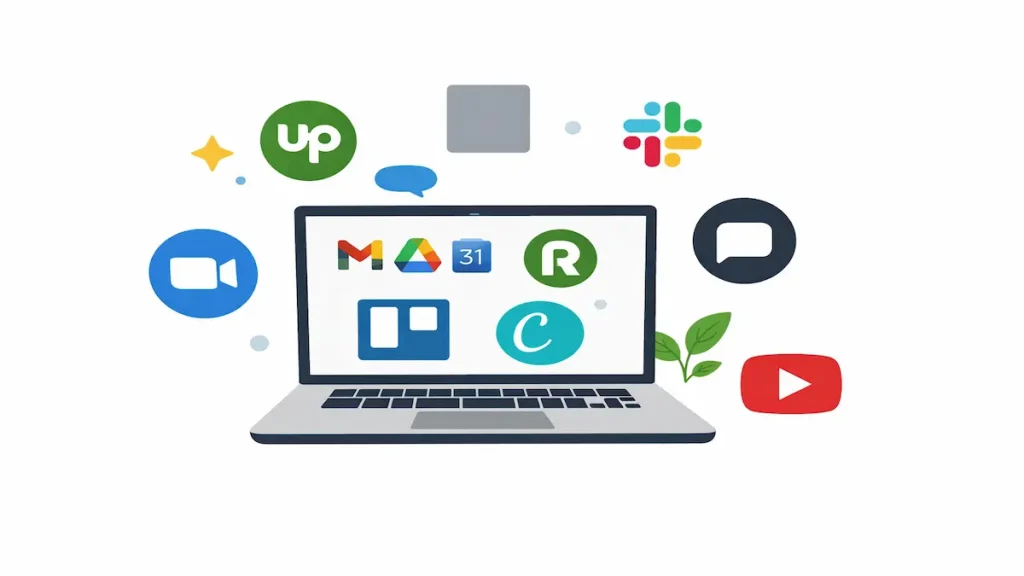
We talk a lot about skills in freelancing, but knowing the right tools and when to use them can make your life much easier. The right tools can help you look professional, and save you from unnecessary stress, especially when you are just starting out in Nigeria.
Many beginners think they need expensive software or a powerful laptop to start freelancing. In reality, most freelancers begin with free or affordable tools and only upgrade as they grow.
If you are thinking about freelancing or you just started, these are the essential tools you should know about.
Communication Tools That Help You Look Professional
Clear communication is one of the fastest ways to gain a client’s trust.
Still one of the most common tools clients use, especially local and African clients. If possible, use WhatsApp Business so you can set working hours and quick replies.
Gmail
Create a professional email address. Even a simple Gmail address with your name looks far better than a random username.
Slack
Many international clients prefer Slack for day-to-day communication. You may not use it immediately, but learning how Slack works helps you feel confident when working with remote teams.
Zoom and Google Meet
You may not use these often at the beginning, but knowing how they work prepares you for discovery calls, interviews, and virtual meetings with global clients.
Productivity and Work Organization Tools
Google Docs
Perfect for writing, editing, and sharing documents with clients. It works well even with slow internet and saves automatically.
Google Drive
Use it to store files, proposals, and client work. It also helps you back up your work in case your device has issues.
Trello
A simple tool for organizing tasks and tracking your work. Trello is great for beginners who want a clear way to manage projects without feeling overwhelmed.
Notion
Great for planning tasks, tracking clients, and organizing learning notes. You can start with the free version.
Design and Creative Tools for Beginners
You do not need to be a professional designer to create clean visuals.
Canva
One of the best tools for beginners. You can design social media posts, presentations, flyers, and even simple websites without design experience.
Photopea
A free alternative to Photoshop that works directly in your browser. Useful for editing images and simple design tasks.
Freelancing Platforms Nigerians Can Start With
These platforms help you find clients, especially at the beginning.
Upwork
Highly competitive, but still useful if you are patient and consistent. Focus on one niche and write clear proposals instead of applying for everything.
Fiverr
Good for beginners because clients come to you. Start with simple services and improve your profile gradually as you gain experience.
Freelancer.com
Another popular freelancing platform where clients post jobs and freelancers bid for them. It can be competitive, but it is worth exploring, especially as a beginner learning how proposals work.
Not a freelancing platform, but very powerful. Many freelancers get clients by posting consistently, engaging with others, and building genuine professional connections.
Payment Tools Nigerians Can Use
Getting paid is one of the biggest concerns for Nigerian freelancers. These tools help solve that problem.
Raenest (formerly Geegpay)
Popular among Nigerian freelancers for receiving USD and converting to naira easily.
Grey
Another reliable option for receiving foreign payments and managing multiple currencies.
Always research current fees and policies before choosing a payment tool.
Learning and Skill Improvement Tools
Learning does not stop after your first client.
YouTube
Many freelancers built their careers from free tutorials. Follow creators who teach practical skills, not just motivation.
Google Digital Skills
Offers free courses with certificates in areas like digital marketing and productivity.
Practice Projects
Use free tools to create mock projects. This helps you build confidence and a portfolio before getting real clients.
You Do Not Need Everything at Once
One common mistake beginners make is trying to use too many tools at the same time. Start small. Master the basics. Add more tools as your freelancing journey grows.
Most successful freelancers you admire today started with simple tools and learned along the way.
If you are serious about freelancing, pick a couple of tools and focus on learning how to use them well, rather than chasing new ones every week.
At Joon Digital Academy, we guide beginners step by step so they do not feel overwhelmed while learning digital skills and freelancing.